AI Assistant
A powerful layer of intelligence built directly into Alcove — designed specifically for interior design firms to help you move faster, make smarter decisions, and simplify your workflow. From financial clarity and client approvals to vendor emails, product search, and spreadsheet imports — plus connect Claude, ChatGPT, Perplexity, Cursor, and other AI tools to your live project data.
Bring Claude, ChatGPT, Perplexity, and Cursor into Alcove
One read-only access token lets your preferred AI tools securely look up live project data—so you can ask questions in the assistants you already use, with Alcove as the source of truth.



Generate a token
Create a secure, revocable access token from Account → Connected Accounts → AI Assistants.
Connect your assistant
Add Alcove as a custom MCP connector in Claude, ChatGPT, Perplexity, Cursor, or another MCP client.
Ask with live data
Query projects, products, orders, and financial documents—without exporting spreadsheets first.
Read-only by design
Connected assistants can look up projects, products, orders, and financial documents. They cannot create, edit, or delete records in Alcove. Revoke or rotate access anytime from your account settings.
HIGHLIGHTS
Intelligence across financials, approvals, procurement, and communication
For years, answering project questions meant exporting spreadsheets, building manual reports, rekeying vendor emails, and digging through purchase orders. Now, you simply ask — or let Alcove read the email, map the spreadsheet, and draft the reply for you.
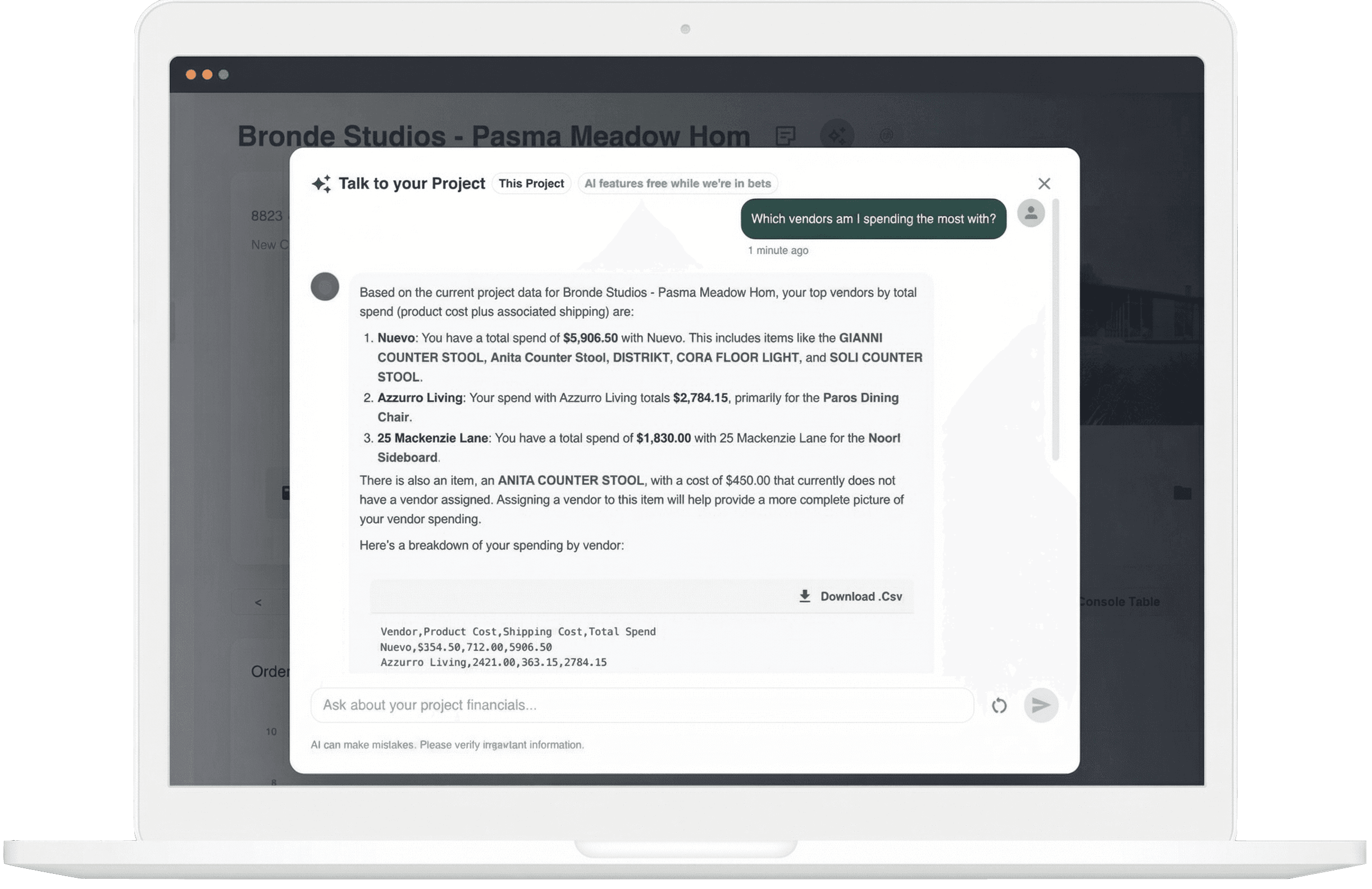
Analyze margins, revenue, and costs instantly.
Get real-time financial clarity on any project. Ask about profitability, cost breakdowns, risks, and opportunities — and receive instant, accurate answers powered by your actual project data. No spreadsheets, no pivot tables, no manual reporting.
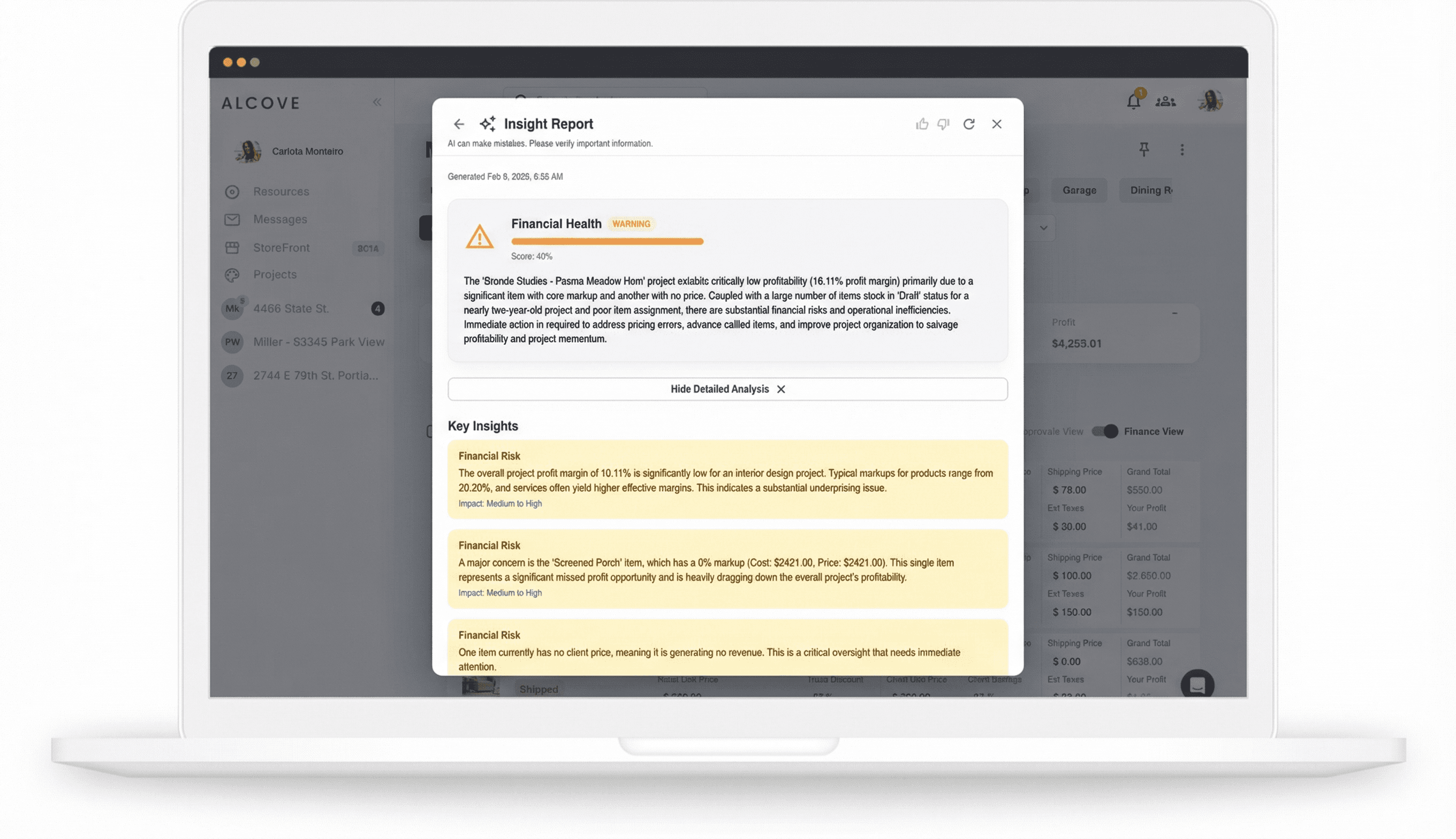
Price confidently with intelligent recommendations.
Get industry-informed pricing recommendations tailored to your projects. The AI analyzes market data and your historical pricing to suggest optimal markups, helping you protect and improve margins while staying competitive.
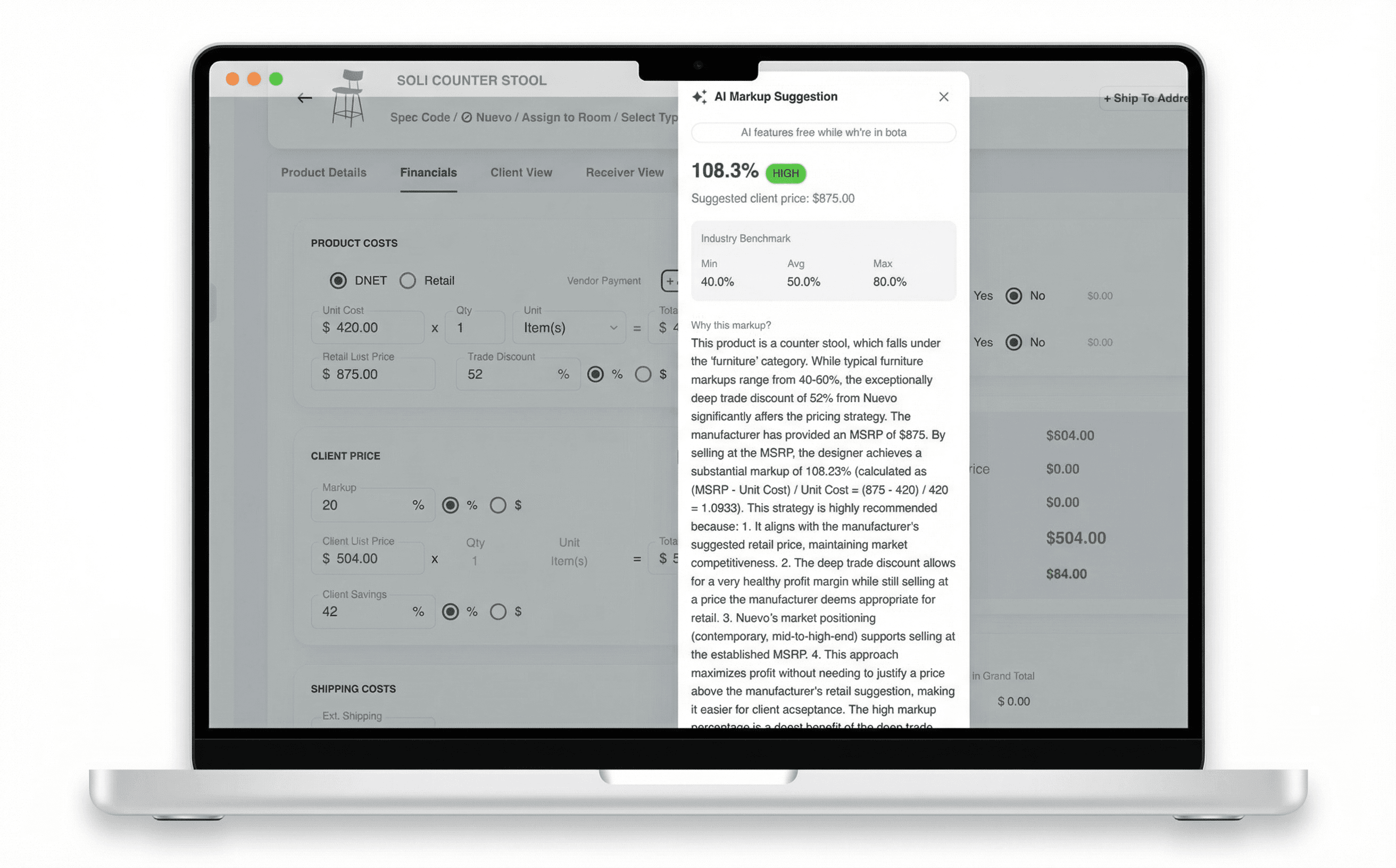
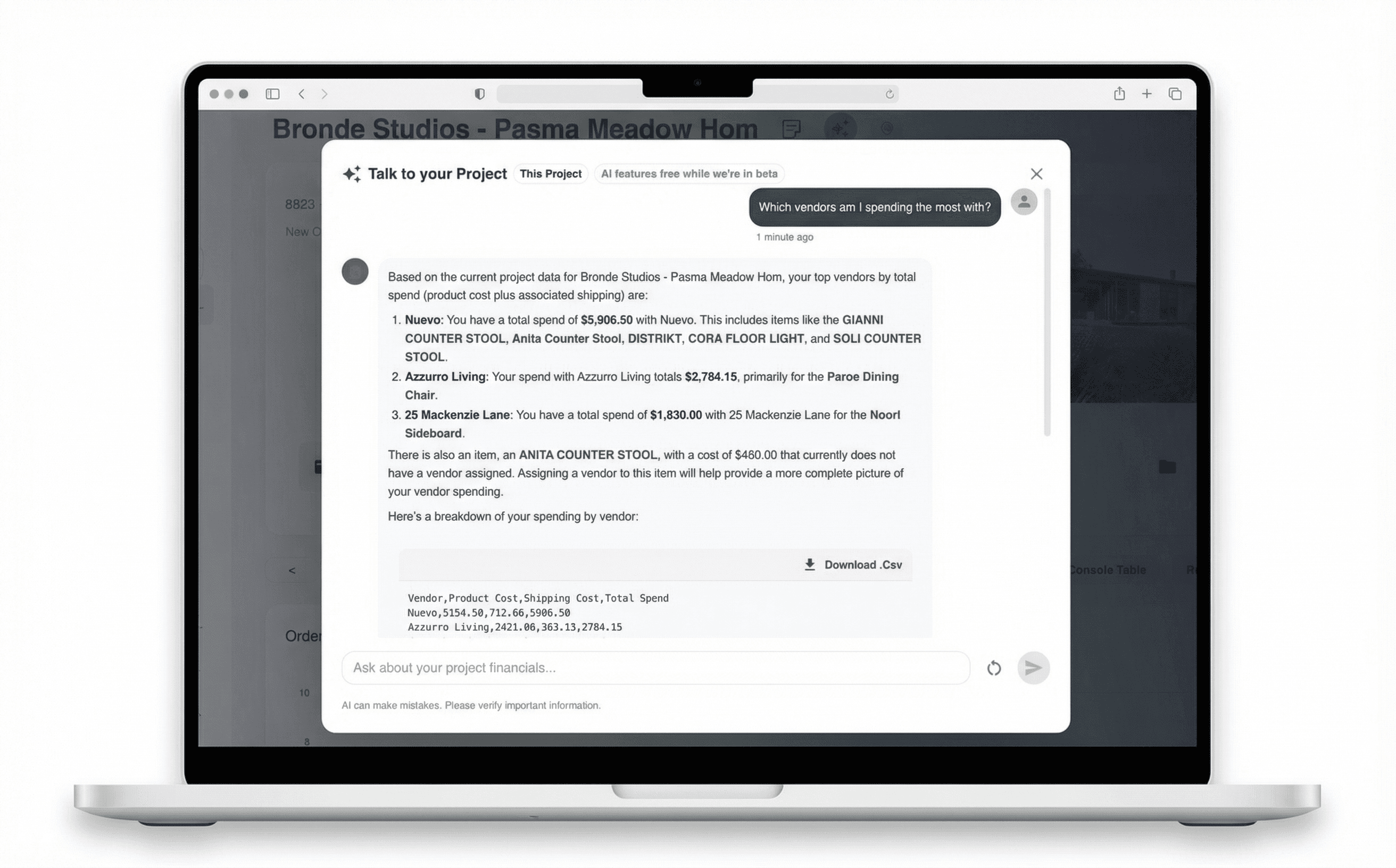
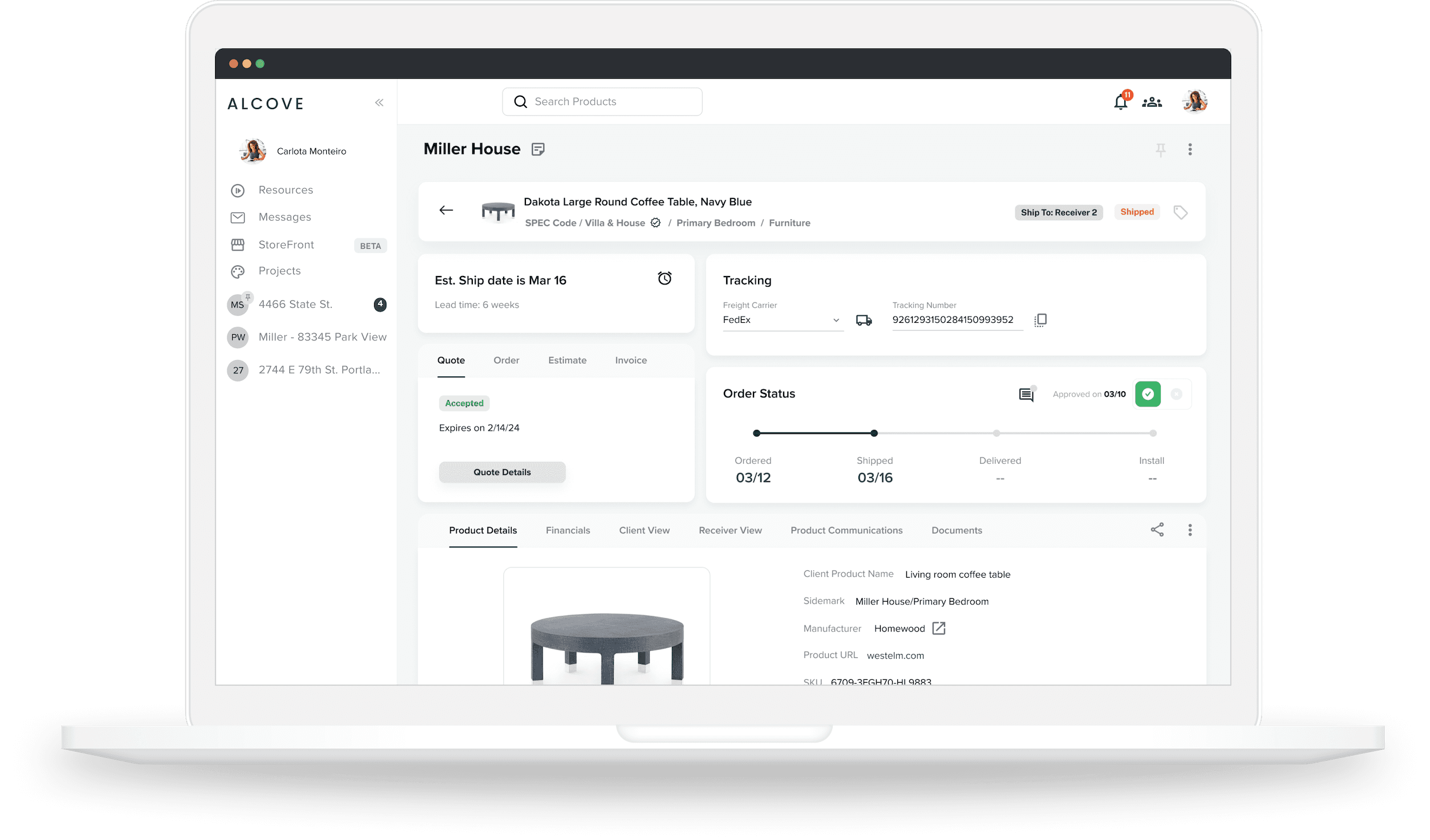
Ask anything. Get answers on the fly.
Have a conversation with your project data. Ask about overdue invoices, delayed items, install readiness, margin by room — anything. Generate financial reports or draft emails with a simple request. It's like having a project analyst on call, 24/7.
Stay ahead of client approvals.
Walk into every client conversation prepared. Alcove analyzes approved, pending, and rejected items — by room and by value — and delivers a clear briefing with risks, opportunities, and recommended next steps. Save reports to track approval progress over time.
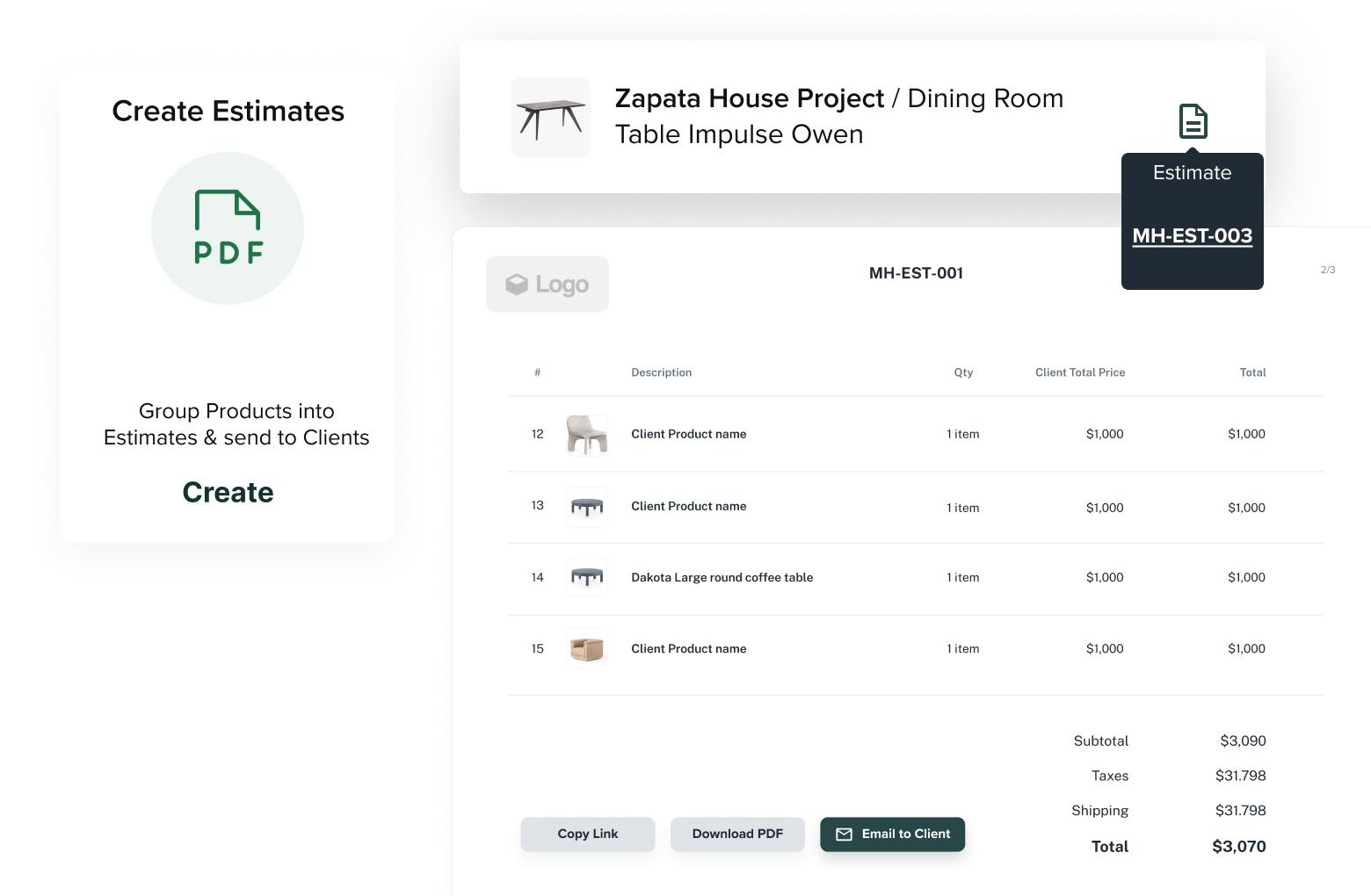
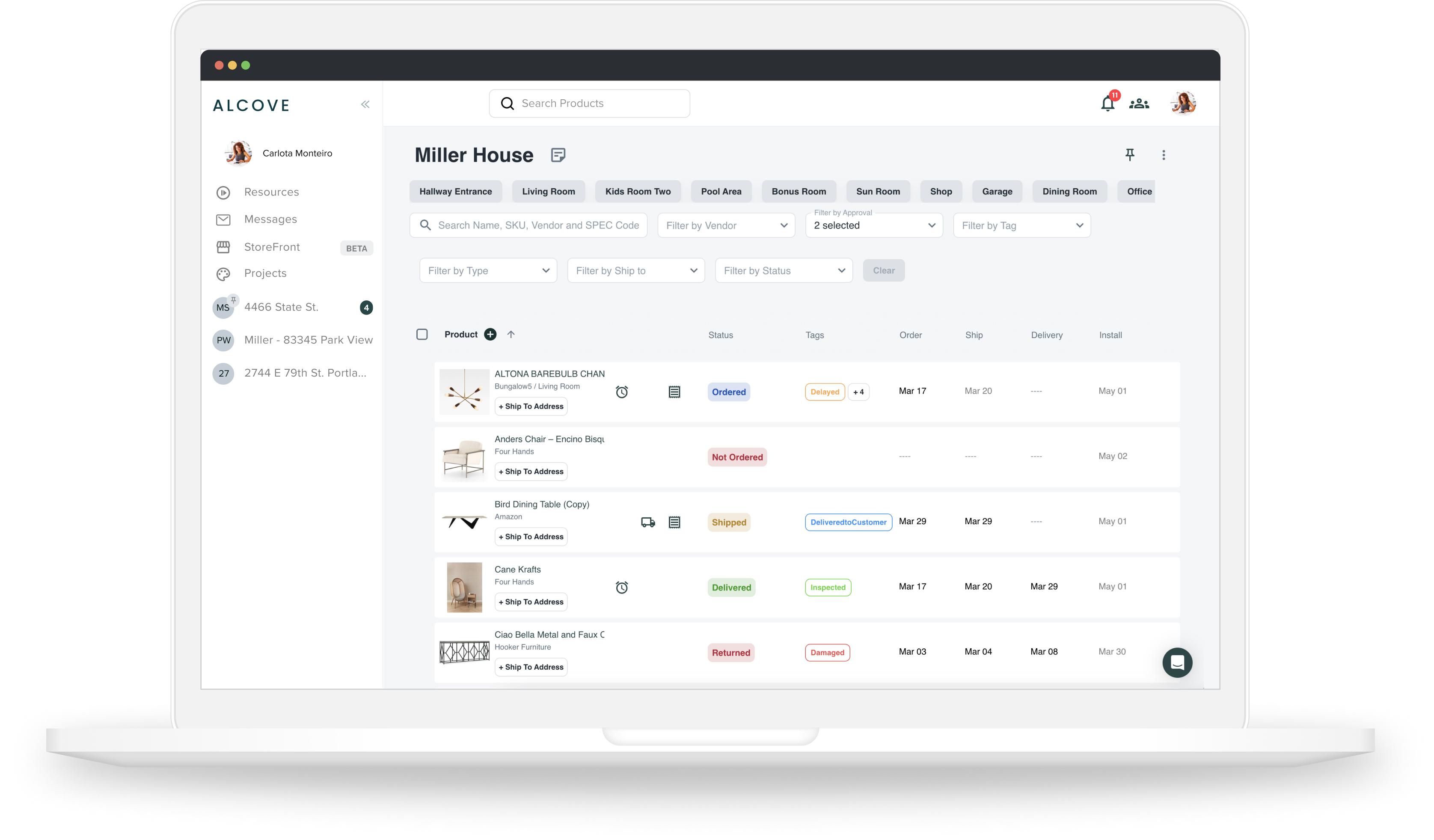
Find any product with a simple question.
Skip the manual filtering. Ask in plain language — like “items on paid invoices” or “everything delayed in the living room” — and Alcove narrows your project list instantly. Stack multiple filters to zero in on exactly what you need.
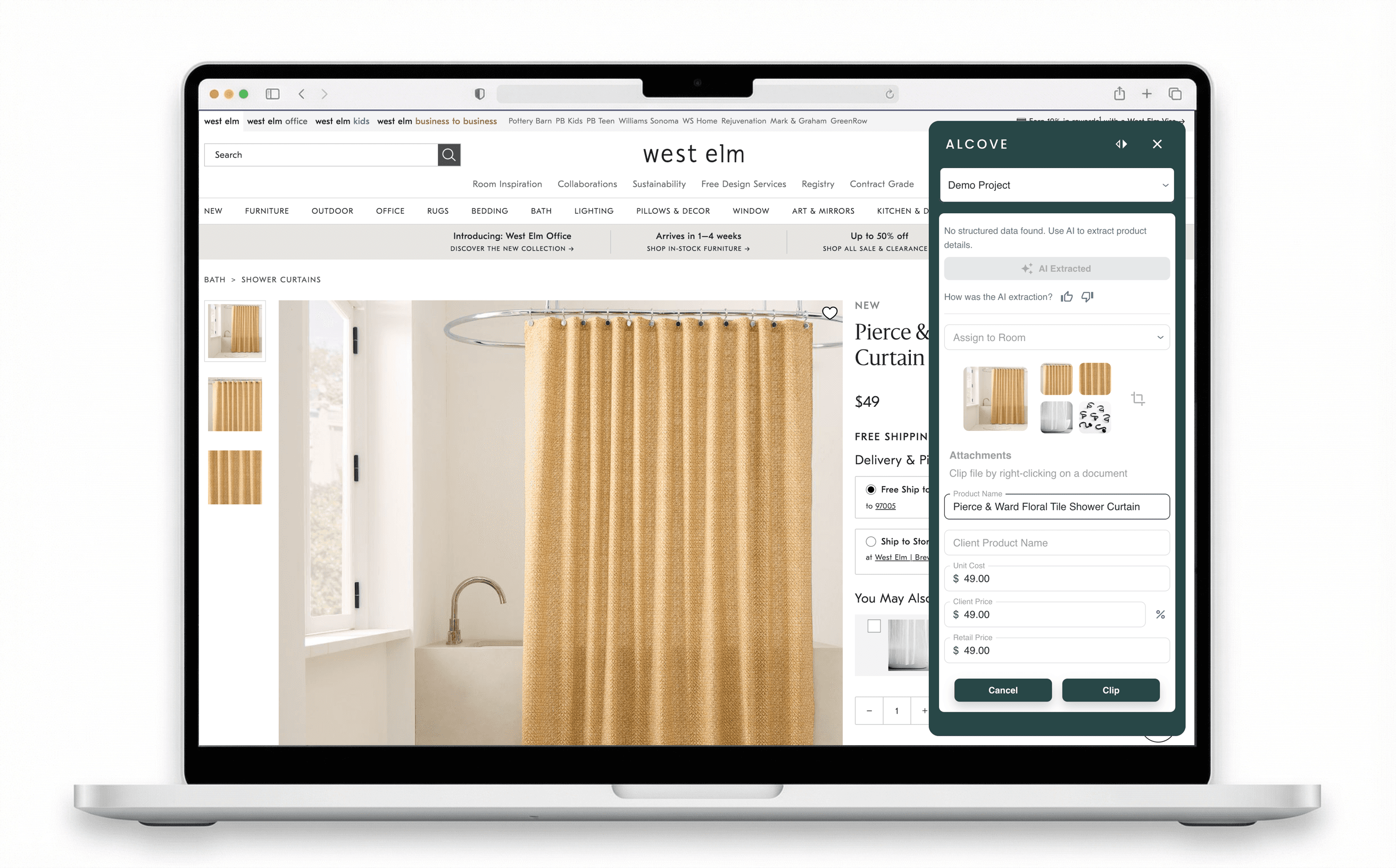
Extract product details from any vendor page.
When a product page doesn’t have structured data, the clipper uses AI to pull names, descriptions, specs, prices, and images into Alcove with one click. Add products to your project from any vendor site — no more copy-pasting or rekeying.
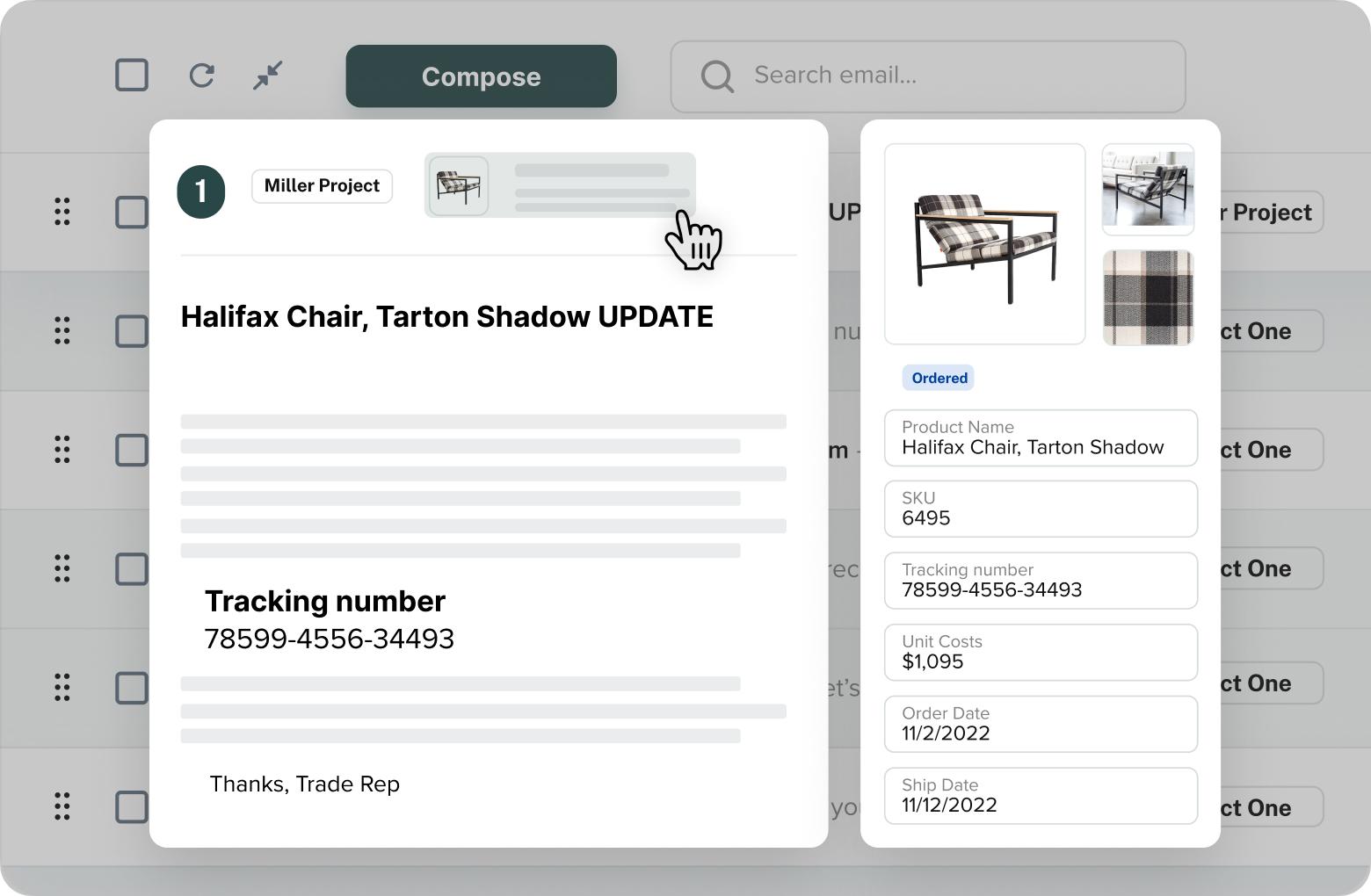
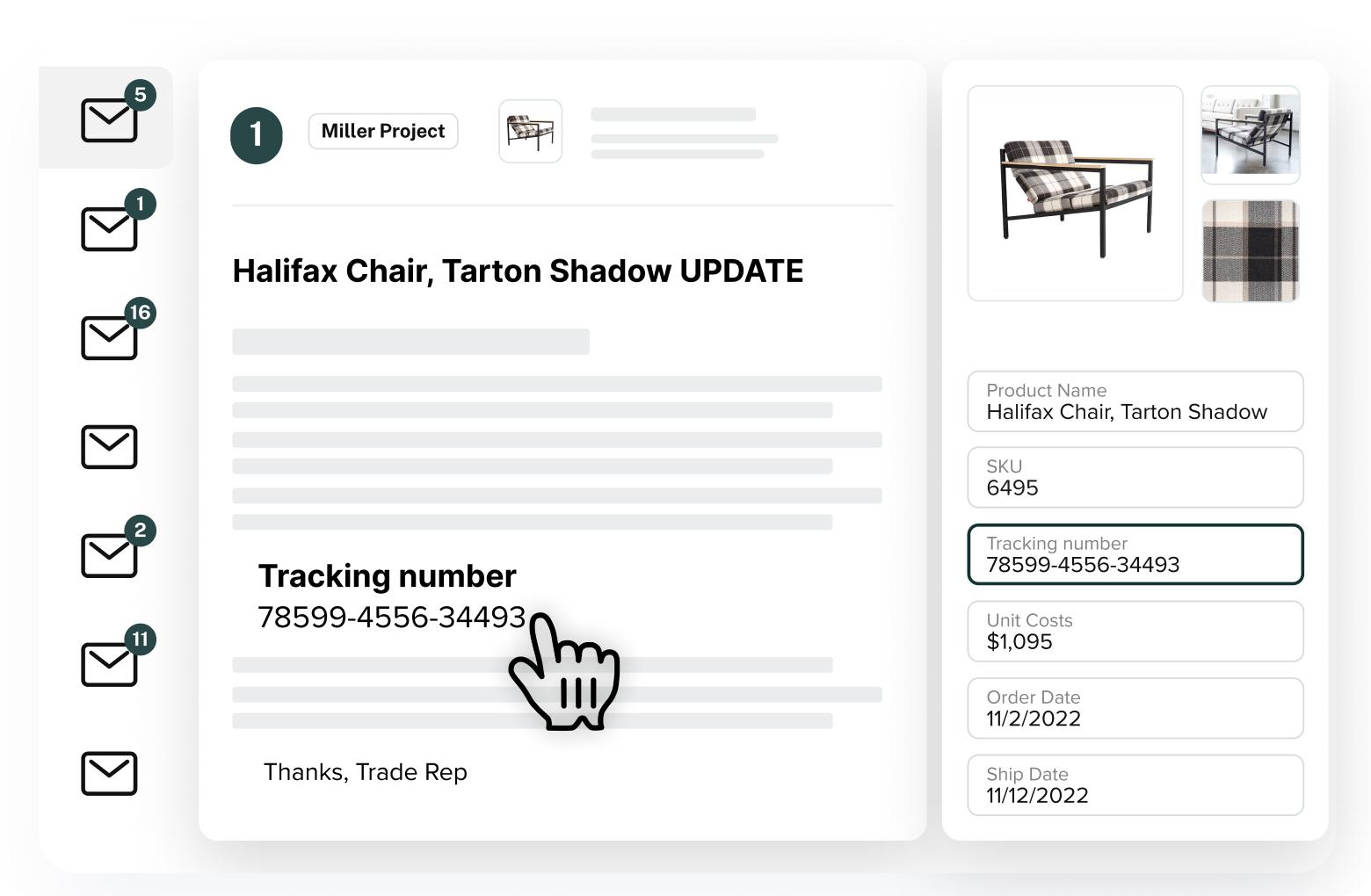
Turn vendor emails into project updates.
Vendor replied with a lead time change or price update? AI reads the thread, identifies suggested changes to products, orders, invoices, and estimates — then lets you review and apply updates in one click. No more copying details from email into Alcove.
Draft vendor emails in seconds.
Request quotes, follow up on orders, ask about lead times, inquire on payments, or share client approval links — all from your project context. Alcove drafts a ready-to-send email with the right tone and details, so you spend less time writing and more time designing.
Import spreadsheets without the mapping headache.
Upload your product spreadsheet and let AI match columns to Alcove fields automatically. Review the suggested mapping, adjust if needed, and import hundreds of line items in minutes — not hours of manual setup.
What can you ask?
"What's the profitability of this project?"
"Which items are still waiting on client approval?"
"Are we ready for install?"
"Show me everything delayed in the master bedroom."
"Draft a follow-up email to the vendor about this order."
"Export a full financial report."
"Extract product details from this page."
"Apply the lead time update from this vendor email."
"Map my spreadsheet columns for import."
Or ask in Claude, ChatGPT, Perplexity, or Cursor once connected:
"List my active Alcove projects."
"What invoices are open on this project?"
"Summarize this project's estimates and retainers."

Leave logistics to us.
WEEKLY FEATURE RELEASES
LIVE CHAT WITH OUR TEAM
ONBOARDING SUPPORT

Time-saving procurement software with built-in purchasing services for busy interior designers.

Copyright © Alcove 2026